Understanding Rate Limits and How to Work Within Them
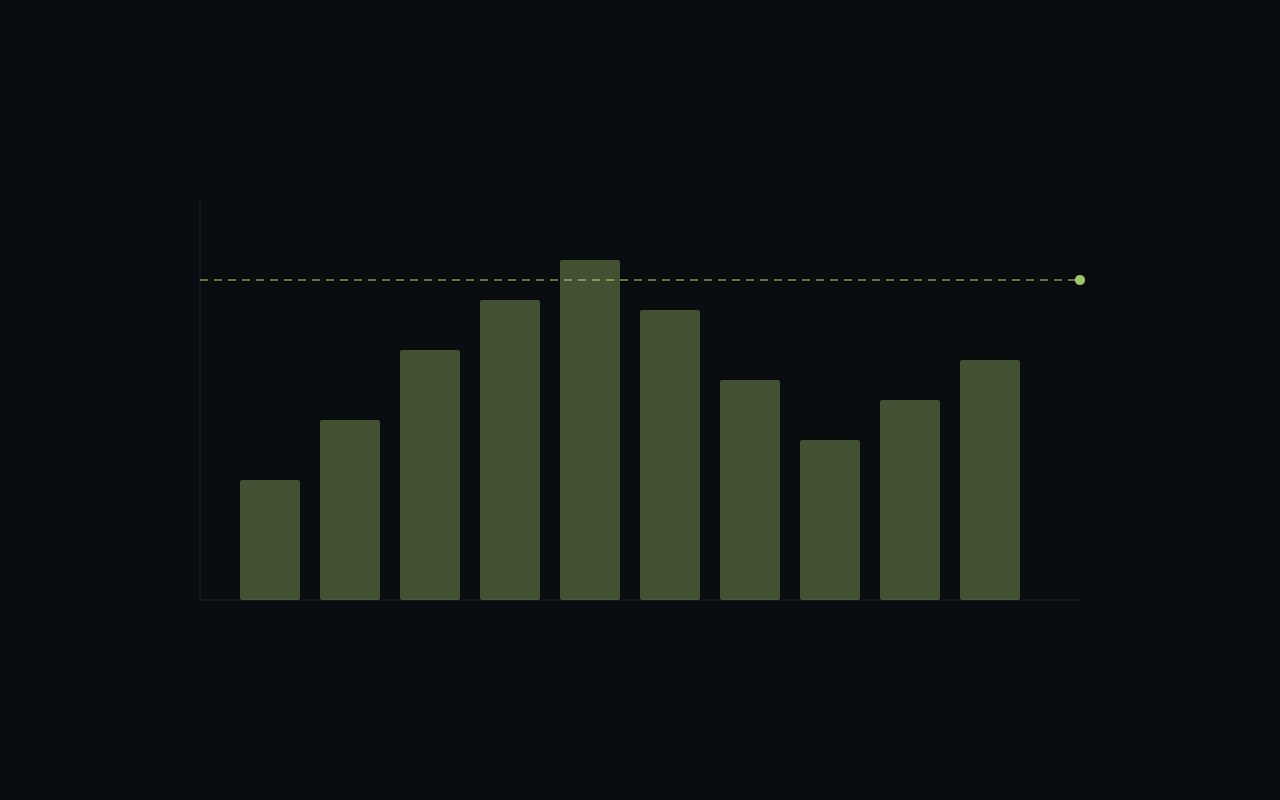
How rate limiting works
Every API request you make counts towards your plan's rate limit. Limits are applied per API key using a sliding window algorithm — this means bursts are allowed as long as your average stays within bounds.
Current limits by plan
| Plan | Requests/min | Requests/day |
|---|---|---|
| Free | 60 | 10,000 |
| Pro | 600 | 100,000 |
| Enterprise | Custom | Custom |
Reading rate limit headers
Every response includes headers that tell you exactly where you stand:
x-ratelimit-limit: 600
x-ratelimit-remaining: 542
x-ratelimit-reset: 1741234567
Use these to build adaptive throttling into your client:
async function fetchWithRateLimit(url, options) {
  const response = await fetch(url, options);

  const remaining = parseInt(response.headers.get("x-ratelimit-remaining"));
  const reset = parseInt(response.headers.get("x-ratelimit-reset"));

  if (remaining < 10) {
    const waitMs = (reset * 1000) - Date.now();
    console.log(`Rate limit low, waiting ${waitMs}ms`);
    await new Promise((r) => setTimeout(r, waitMs));
  }

  return response;
}
Common patterns
Request batching
Instead of making individual calls for each token, use batch endpoints where available:
# Instead of this (10 requests)
for token in tokens:
    quote = get_quote(token)

# Do this (1 request)
quotes = get_quotes_batch(tokens)
Caching
Most token metadata doesn't change frequently. Cache responses locally and set a reasonable TTL:
const cache = new Map();

async function getTokenInfo(mint) {
  const cached = cache.get(mint);
  if (cached && Date.now() - cached.ts < 300_000) {
    return cached.data;
  }

  const data = await api.getToken(mint);
  cache.set(mint, { data, ts: Date.now() });
  return data;
}
Exponential backoff
When you do hit a 429 response, back off exponentially rather than retrying immediately:
async function fetchWithRetry(url, options, maxRetries = 3) {
  for (let i = 0; i < maxRetries; i++) {
    const response = await fetch(url, options);

    if (response.status !== 429) return response;

    const delay = Math.min(1000 * Math.pow(2, i), 30000);
    await new Promise((r) => setTimeout(r, delay));
  }

  throw new Error("Rate limit exceeded after retries");
}
Monitoring your usage
The Developer Portal dashboard shows your real-time usage across all API keys. Set up alerts to get notified before you hit your limits — this is much better than finding out from a 429 error in production.
Rate limits exist to keep the platform fast and reliable for everyone. With the right patterns, you'll rarely notice them.